Right now, potential customers in your area are searching Google for a tradie like you. They type "emergency plumber near me" or "licensed electrician Sydney" — and they click one of the first three businesses that appear on the map. If your business isn't showing up there, you're invisible. And invisible businesses don't win jobs.
The good news? Google Business Profile (GBP) is the single most powerful free tool available to tradies for getting found locally — and most of your competitors are either not on it, or doing it wrong. That's your window.
This guide covers everything: how to claim your listing, get verified by Google, optimise it to rank higher, and turn your GBP into a consistent source of new enquiries. Let's get into it.
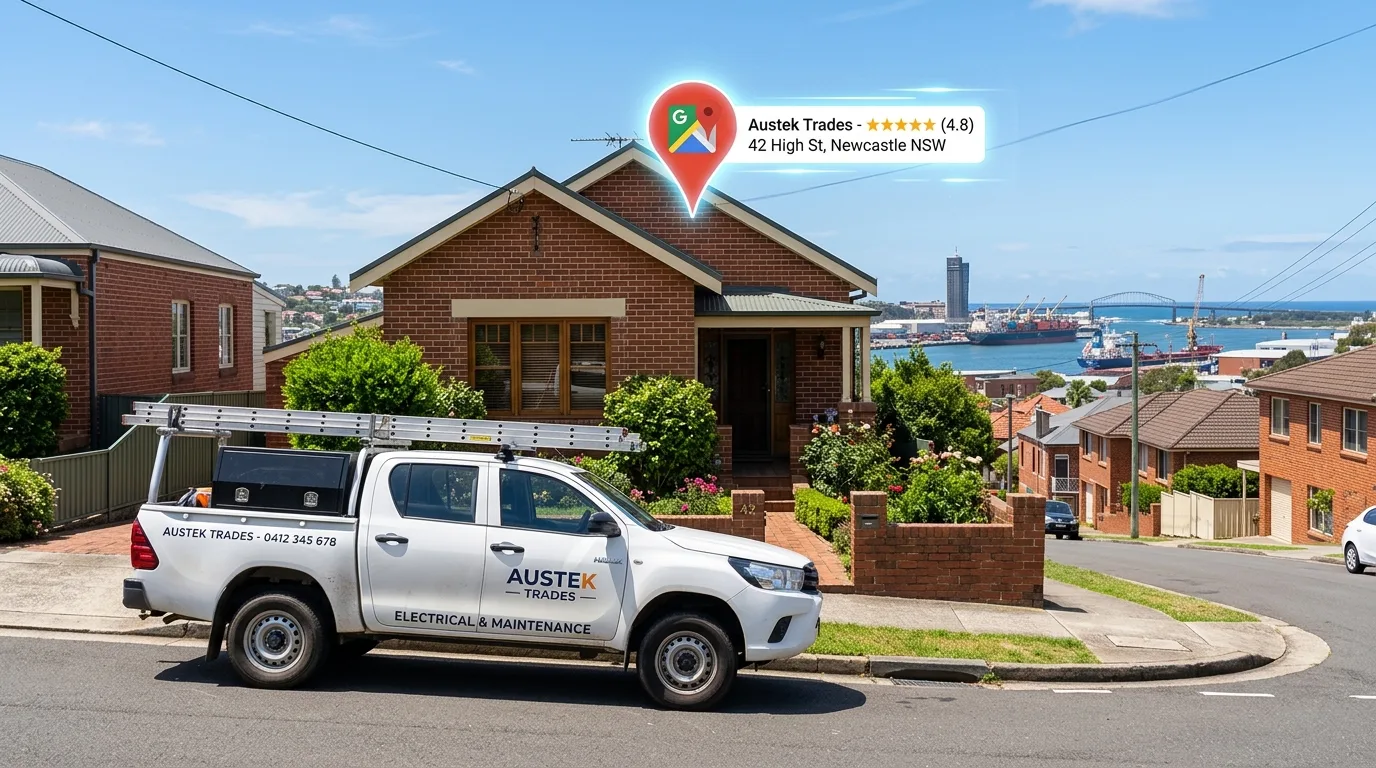
What Is Google Business Profile (And Why Should Tradies Care)?
Google Business Profile is your free business listing on Google — it's what appears in the map results when someone searches for a local service. It shows your business name, phone number, address, trading hours, photos, reviews, and a link to your website.
When someone searches "plumber near me" or "electrician [suburb]," Google shows a "local pack" — three businesses displayed on a map above the organic results. These three spots get the lion's share of clicks. GBP is what determines who appears there.
For tradies specifically, GBP matters because:
- Local intent is everything. People searching for a tradie are ready to hire — not browsing. They want someone now.
- Phone calls are direct. Customers can call you straight from your GBP listing without visiting your website.
- Trust is built fast. Your star rating and reviews are the first thing people see. A strong profile converts browsers into callers.
- It's completely free. Unlike Google Ads, there's no cost per click. A well-optimised GBP is one of the best returns on time in marketing.
GBP is not set-and-forget. Google rewards active profiles — ones that get new photos, fresh reviews, and regular posts. The tradies who treat their GBP like a living asset win the most map visibility.
How to Set Up Your Google Business Profile
Setting up your GBP takes less than an hour. Here's the exact process from scratch:
Step 1 — Claim your listing. Go to business.google.com and search for your business name. If it already exists (Google sometimes auto-creates listings), claim it. If not, create a new one. You'll need a Google account.
Step 2 — Verify your business. Google needs to confirm you're the real owner. The most common methods are video verification (show your location, signage, and tools on camera), or a postcard mailed to your address with a confirmation code. Complete this step — unverified profiles have severely limited visibility.
Step 3 — Fill in every detail. Business name, address (or service area if you're mobile), phone number, website, hours, categories, and services. Don't skip anything — incomplete profiles rank lower and convert worse.
Step 4 — Add photos. Upload at least 10 photos: your finished work, your van, your team, and your logo. Photos are a major ranking and conversion factor — profiles with photos get significantly more clicks.
Step 5 — Start collecting reviews. Ask your most recent customers to leave a Google review. Send them a direct link. We'll cover this in detail in the reviews section below.
If you're a mobile tradie with no fixed premises, set your GBP as a "service area business." Add the suburbs you cover rather than a street address — this protects your home address while still letting you rank locally.
Optimising Your GBP for More Calls
Claiming your profile is just the start. Optimisation is where the real ranking gains happen. Here's what to focus on:
Business categories. Choose the most specific primary category possible (e.g., "Plumber" not just "Tradesperson"), then add up to 9 secondary categories that reflect your full range of services. Categories are one of the strongest GBP ranking signals.
Business description. You get 750 characters — use them. Describe what you do, where you work, and why customers should choose you. Include your primary keywords naturally (e.g., "licensed plumber servicing Sydney's North Shore"). Write for humans, not algorithms.
Services section. Add every service you offer, with descriptions and prices where possible. This helps Google understand your full offering and surfaces your listing for more relevant searches.
Q&A section. Google lets customers ask questions on your profile. Proactively add your own Q&As covering the most common questions you get — about pricing, availability, qualifications, and service areas. This reduces friction and adds keyword-rich content to your profile.
Attributes. Google offers attributes specific to your business type — things like "women-led," "veteran-owned," or "by appointment only." Complete every applicable attribute to add depth to your listing.
GBP Optimisation Checklist
Google Reviews: The Secret Weapon
If there's one thing separating the tradies dominating Google Maps from everyone else, it's reviews. More reviews, higher ratings, and regular responses — all of it signals to Google (and to customers) that you're the real deal.
Here's what the data tells us: a business with 50 reviews at 4.8 stars will almost always outrank a business with 10 reviews at 5.0 stars. Volume and recency matter as much as the score itself.
How to Get More Google Reviews
- Ask straight after the job. The best time is when the customer is happiest — when you've just finished and the result is right in front of them.
- Make it dead easy. Send them a direct link to your review page via SMS. The fewer clicks, the more reviews you'll get.
- Train your team. If you have employees or subcontractors, make asking for a review part of the job completion process.
- Automate it. A CRM like GoHighLevel can send a review request SMS automatically 2 hours after job completion — without you touching a thing.
Responding to Reviews — What to Say
Responding to reviews is not just courtesy — it's a confirmed ranking signal. Google considers response rate and recency when deciding who to show in the local pack. Aim to respond within 24–48 hours of every review, positive or negative.
"Jake turned up on time, fixed the issue in under an hour, and didn't try to upsell me on anything I didn't need. Brilliant service — will 100% be calling again."
"Thanks so much for the kind words, Sarah! Really glad we could sort it out quickly for you. We always aim to be upfront and efficient — no surprises. Looking forward to helping you out again when you need us. — Jake, ABC Plumbing"
Negative reviews happen. Never ignore them, never argue back. A calm, professional public response shows potential customers you handle problems with integrity — and that often does more for your reputation than the negative review hurts it. Acknowledge the issue, offer to resolve it offline, and keep it brief.
GBP Posts and Updates
Most tradies don't use Google Posts — which means it's low-hanging fruit for those who do. GBP Posts let you publish updates, offers, and job highlights directly to your listing. They appear on your profile in Google Search and Maps, and signal to Google that your business is active.
What to post and when:
- Job completions. "Just finished a full bathroom renovation in Mosman — before and after in the photos." Real work, real results. This is your most powerful content.
- Seasonal promotions. "Free hot water system check this winter for all bookings over $200." Create urgency with a deadline.
- Tips and advice. "3 signs your hot water system is about to fail" — short, practical, positions you as the local expert.
- New services. Added a new capability? Post about it with a clear description and call to action.
Standard posts expire after 7 days, so aim to post at least once a week. Consistency signals an active business — and even one post per week puts you ahead of 90% of your competitors who post nothing.
The best-performing GBP posts for tradies combine a before-and-after job photo with a one-line outcome statement: "New switchboard installation — 100A upgrade, fully compliant. Took 3 hours." Simple. Specific. Credible.
Common GBP Mistakes Tradies Make
After reviewing dozens of tradie GBP profiles, the same mistakes come up again and again. Avoid these and you'll immediately outperform the bulk of your competition:
- Using a personal name instead of business name. Your GBP name must match your legal or trading business name exactly.
- Incorrect or outdated trading hours. If Google shows you're open and you don't answer, customers move on immediately. Keep hours current, especially public holidays.
- No photos or stale photos. A profile with no photos looks abandoned. Upload fresh work photos at least once a month.
- Ignoring the Q&A section. Unanswered customer questions look bad. Monitor and respond — or better yet, seed your own FAQs before anyone asks.
- Skipping the services section. Every service you list is another signal to Google. Don't leave it empty.
- Not responding to reviews. No responses signal an inactive business owner who doesn't care. Google notices. So do customers.
- Keyword stuffing in your business name. Adding "best plumber Sydney" or "24/7 emergency" to your business name violates Google's guidelines and can get your listing suspended. Don't do it.
- Never completing verification. Unverified profiles have severely limited visibility. Always finish the process.
- Setting too narrow a service area. If you cover all of greater Brisbane but only list one suburb, you're missing hundreds of searches a month.
- Ignoring Insights data. GBP shows you exactly how people find your listing and what actions they take. Check it monthly and use it to guide your efforts.